A separate ledger per company
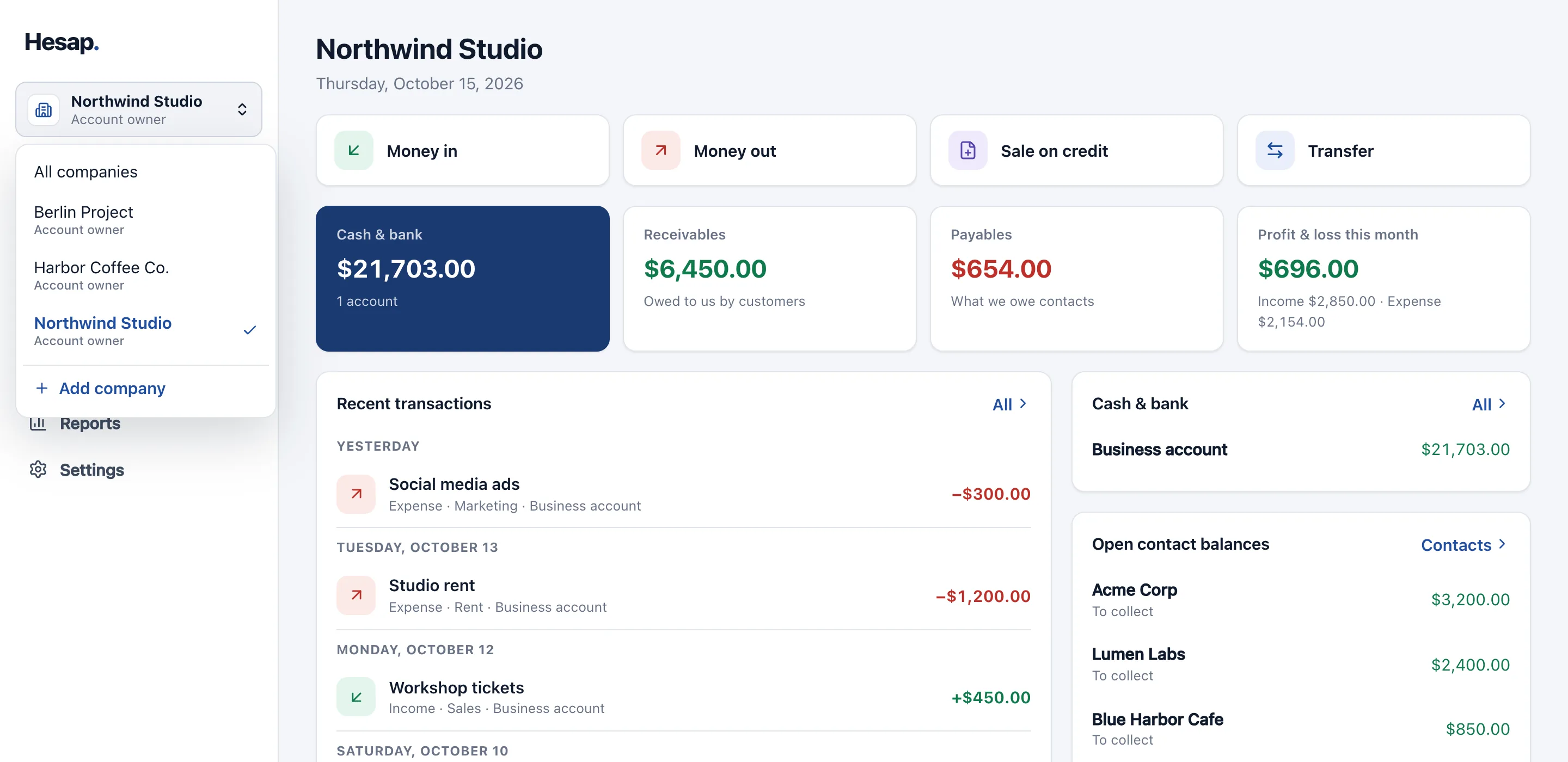
Each company and project keeps its own cash accounts, contacts and reports. Look at a single company or at the consolidated view.
Record income, expenses, cash, contacts, sales on credit and payments in a separate ledger for each company. Follow every company from one consolidated view, and give your team access company by company.
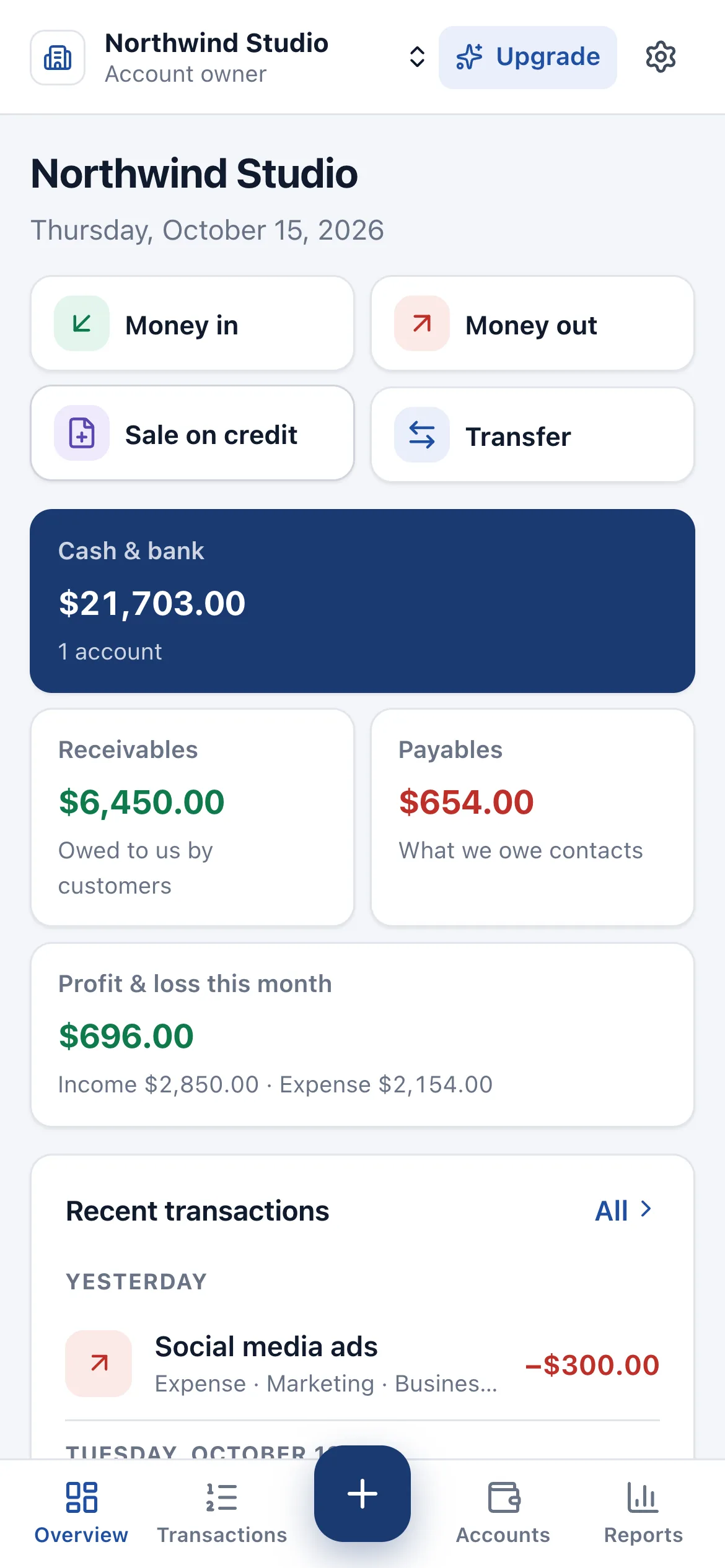
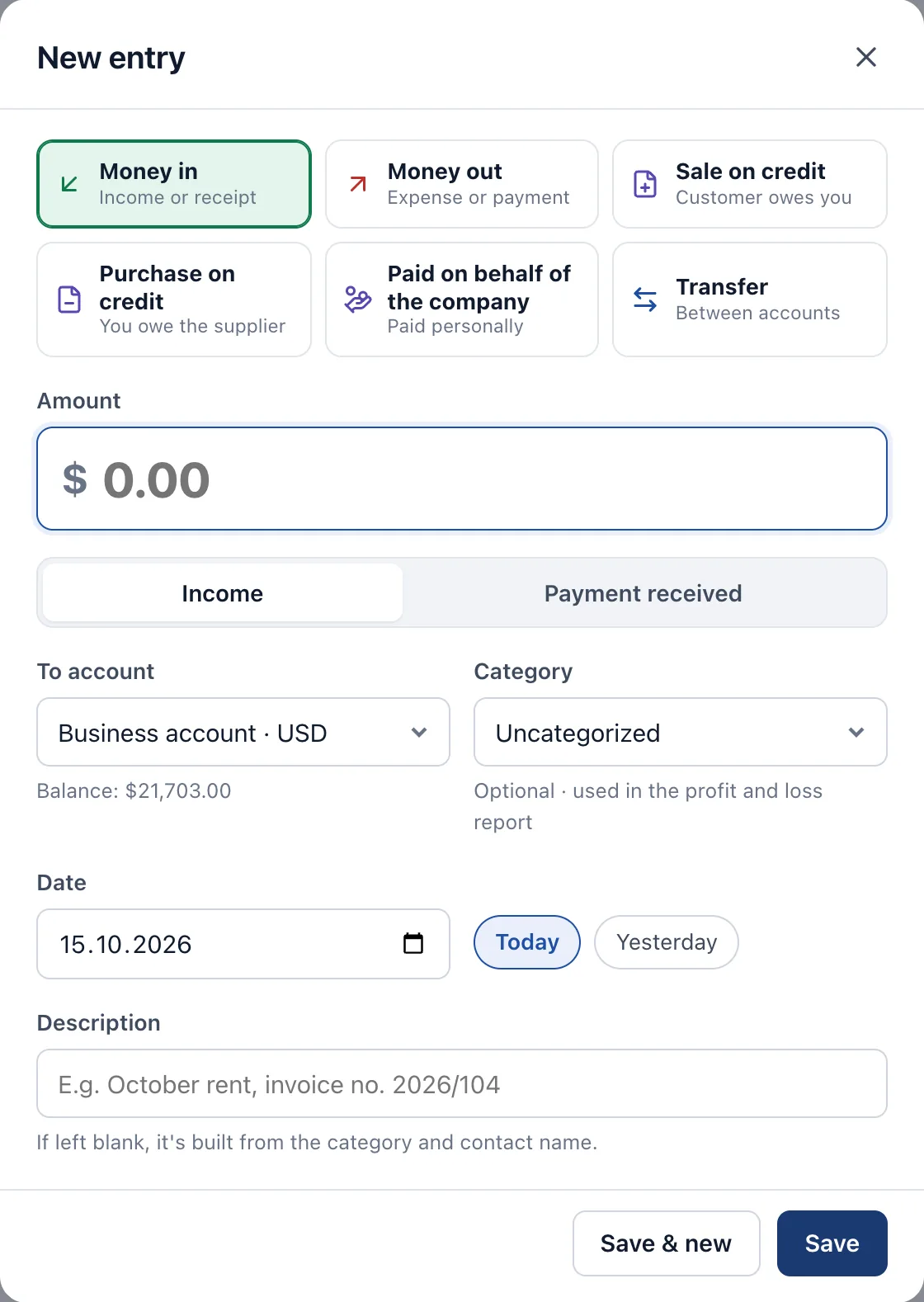
Plain entry types that need no accounting knowledge, on top of a double-entry, tamper-proof ledger.
Each company and project keeps its own cash accounts, contacts and reports. Look at a single company or at the consolidated view.
Invite team members and your accountant to the companies they need, as viewer, editor or admin — or to selected accounts only. Companies they have no access to stay invisible.
Money in, money out and transfers between accounts are recorded by category; cash balances update instantly.
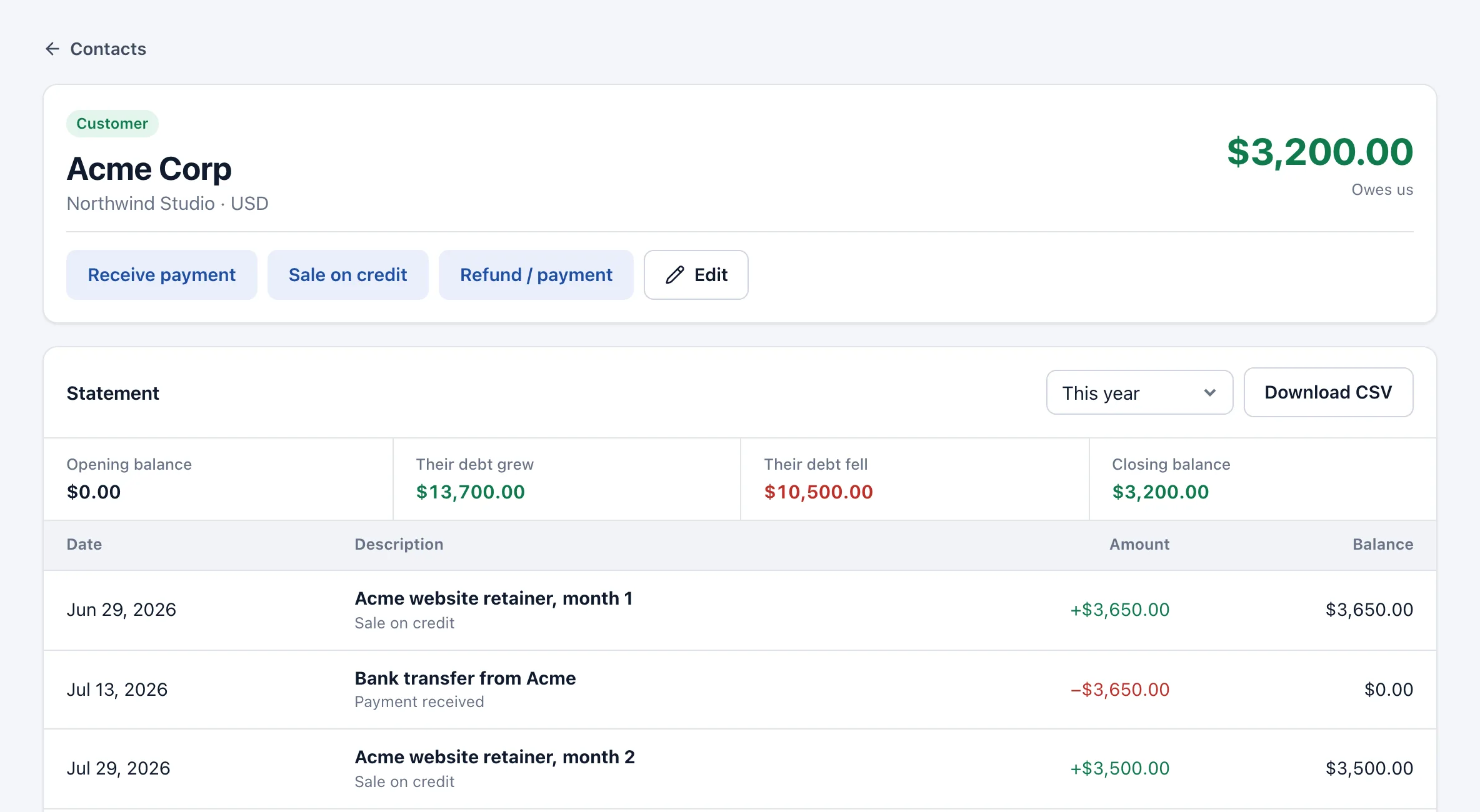
Sales and purchases on credit go to contact accounts; partial payments, advances and supplier debts show up clearly in each contact's balance.
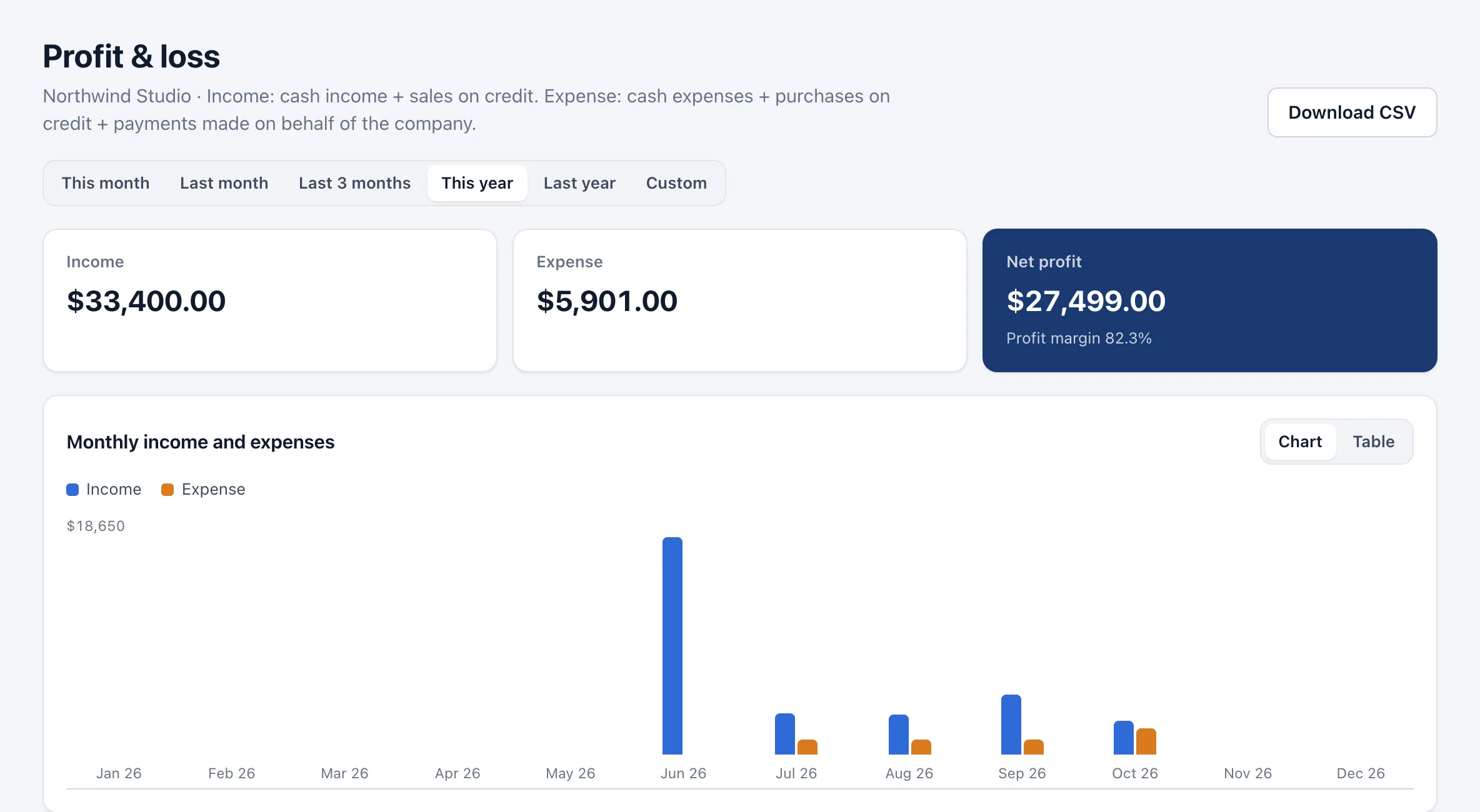
Income, expenses and net profit by category and month, per company or consolidated, with CSV export.
A statement for every cash account and contact with opening balance, transactions and running balance; one click to a spreadsheet-ready CSV.
USD, EUR, GBP, TRY and 27 more. Accounts in each currency are kept and reported separately — ideal for projects abroad and foreign-currency cash.
Posted entries can't be changed. Corrections are made with a reversing entry, so the full history always stays traceable.
Create cash and bank accounts and your customer and supplier contacts for each company.
Pick an entry type and enter the amount; see the effect on cash and contact balances before saving.
Invite team members and your accountant by email to the right company with the right role.
Every plan includes unlimited entries.
No. Entry types use plain words: money in, money out, sale on credit, transfer. The debit and credit records are created automatically in the background.
Yes. You invite people to a company as viewer, editor, admin or super admin, or to selected cash accounts and contacts only. They don't see the cash, contacts or reports of companies they have no access to.
No. Hesap is a bookkeeping tool; issuing invoices, e-invoicing and tax filings are out of scope. Keep working with your accountant for statutory books and returns — you can give them access to Hesap.
Not yet. Bank transactions are recorded as entries, and statements can be exported as CSV.
Use “Reverse”. The original entry isn't deleted; a reversing entry cancels its effect and it drops out of your reports. The history always stays traceable.
Nothing. You can't add new companies, cash accounts or contacts until you upgrade, but all existing data stays visible and exportable. After upgrading you continue where you left off.
In a PostgreSQL database hosted in the European Union (Frankfurt). Each customer's data is separated from others by access rules enforced in the database itself.
31 currencies, including USD, EUR, GBP, CHF, CAD, AUD, AED, SAR and TRY. Each cash account and contact uses one currency; amounts aren't converted, and every currency is totalled separately.